PARKER DATA LINK
Horror Wallpapers
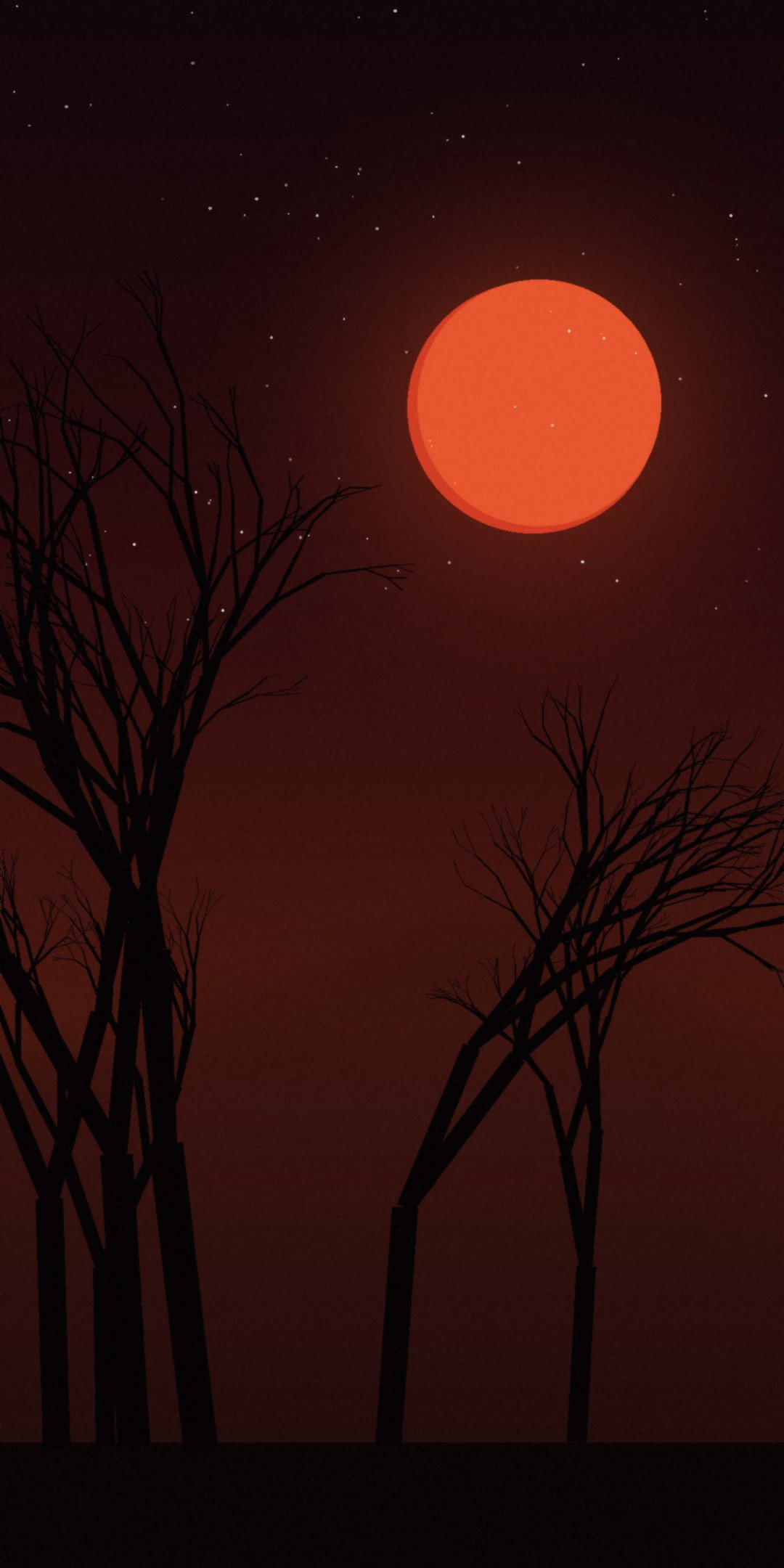
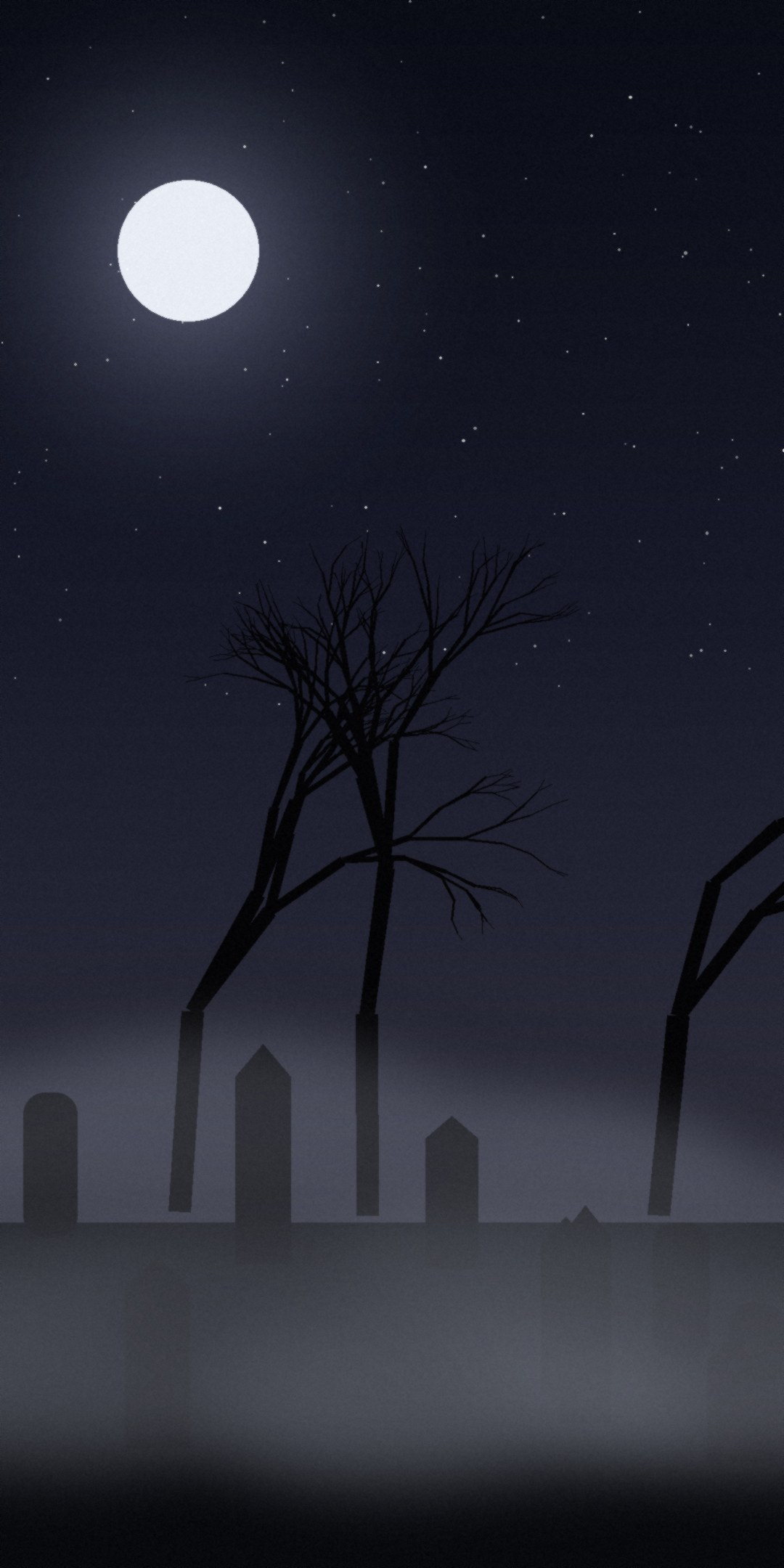
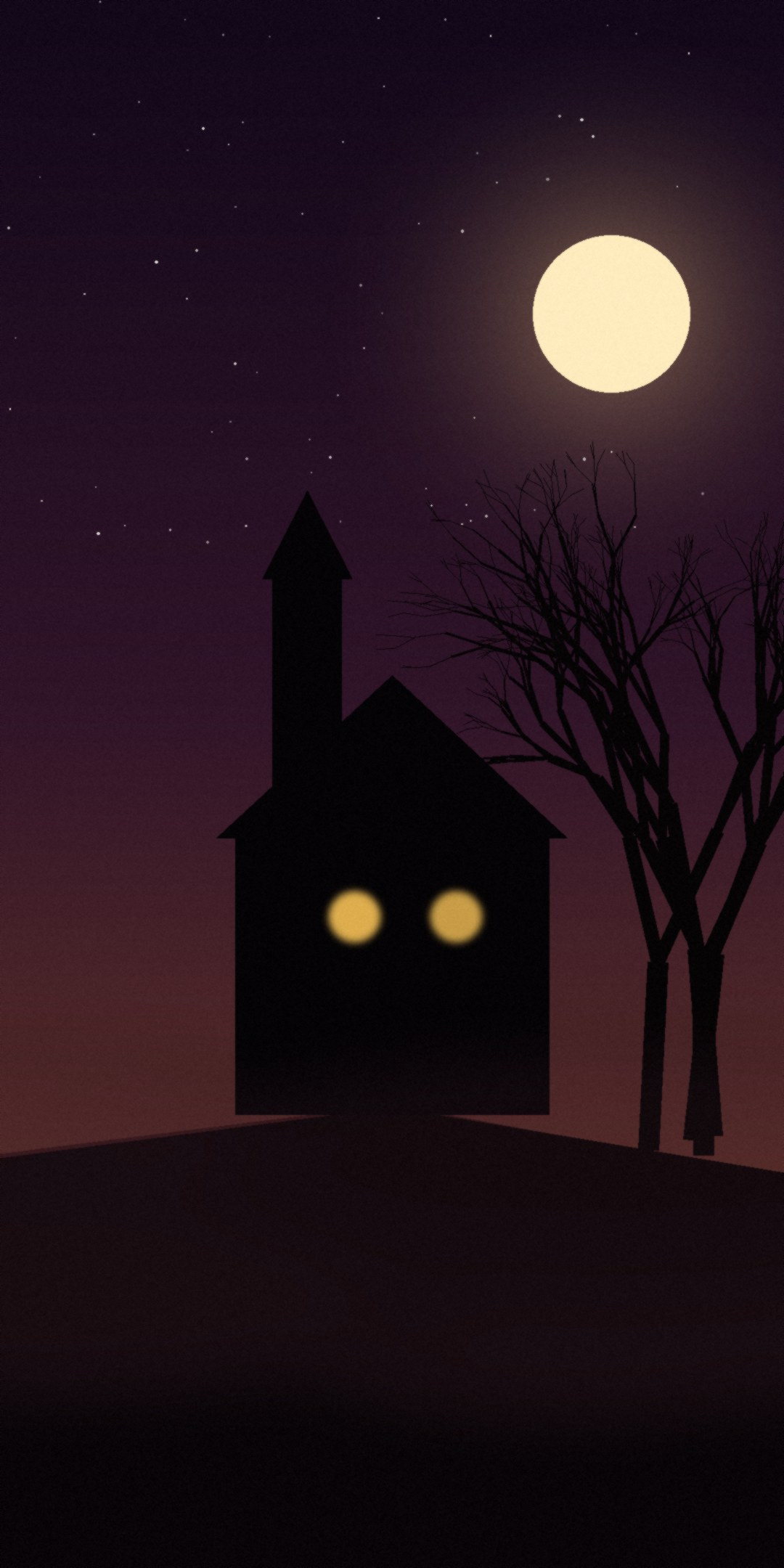
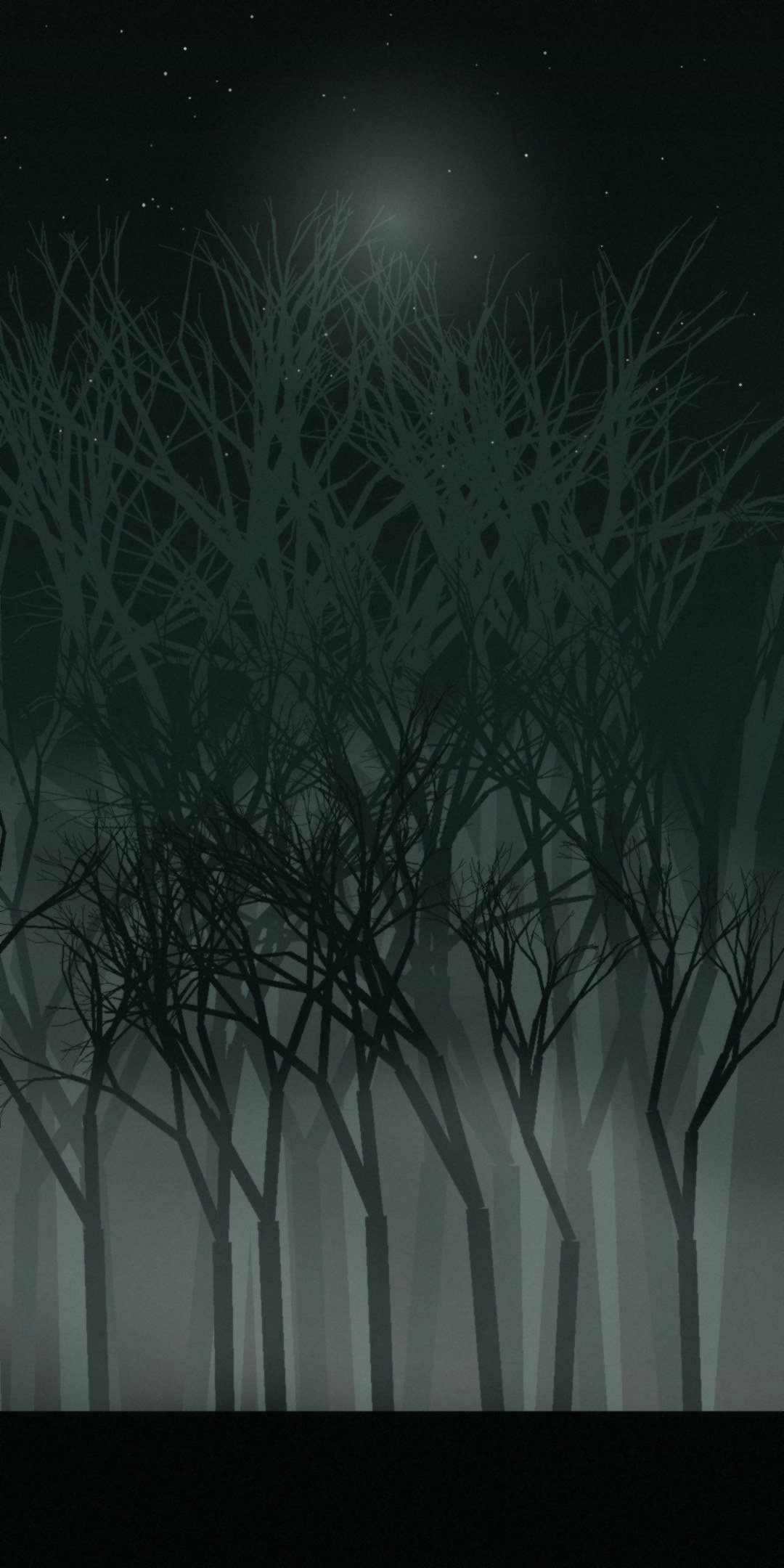
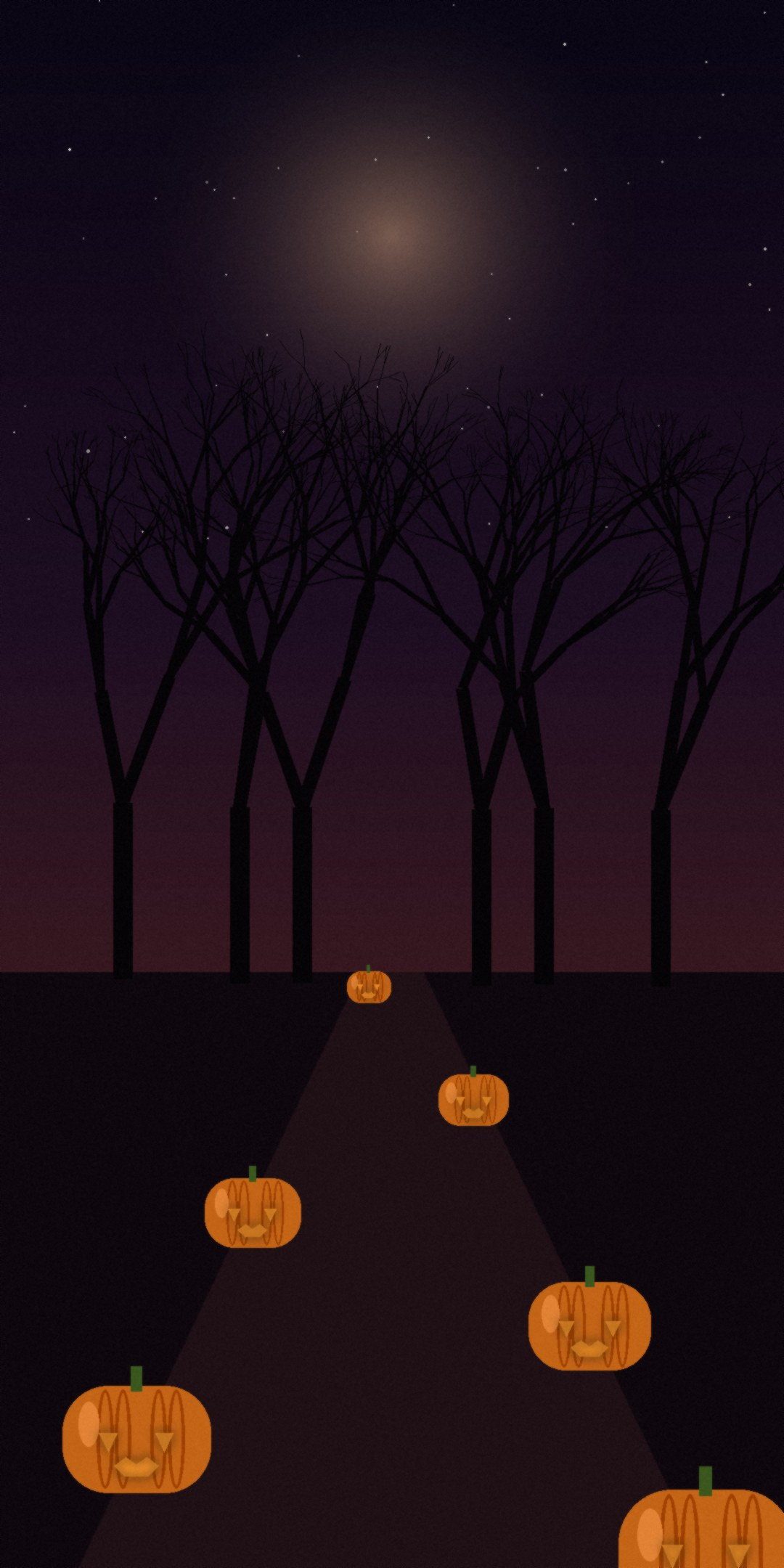
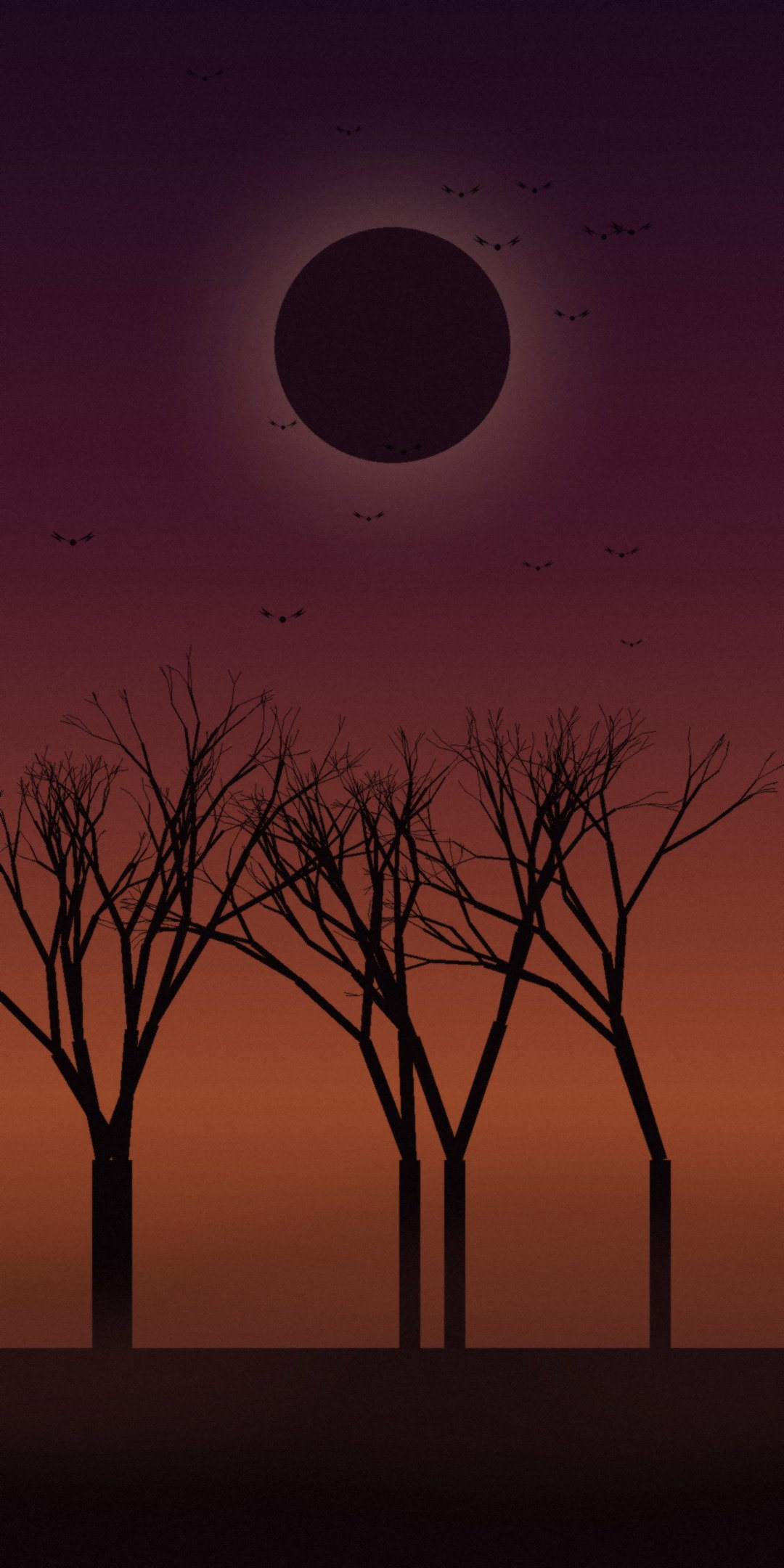
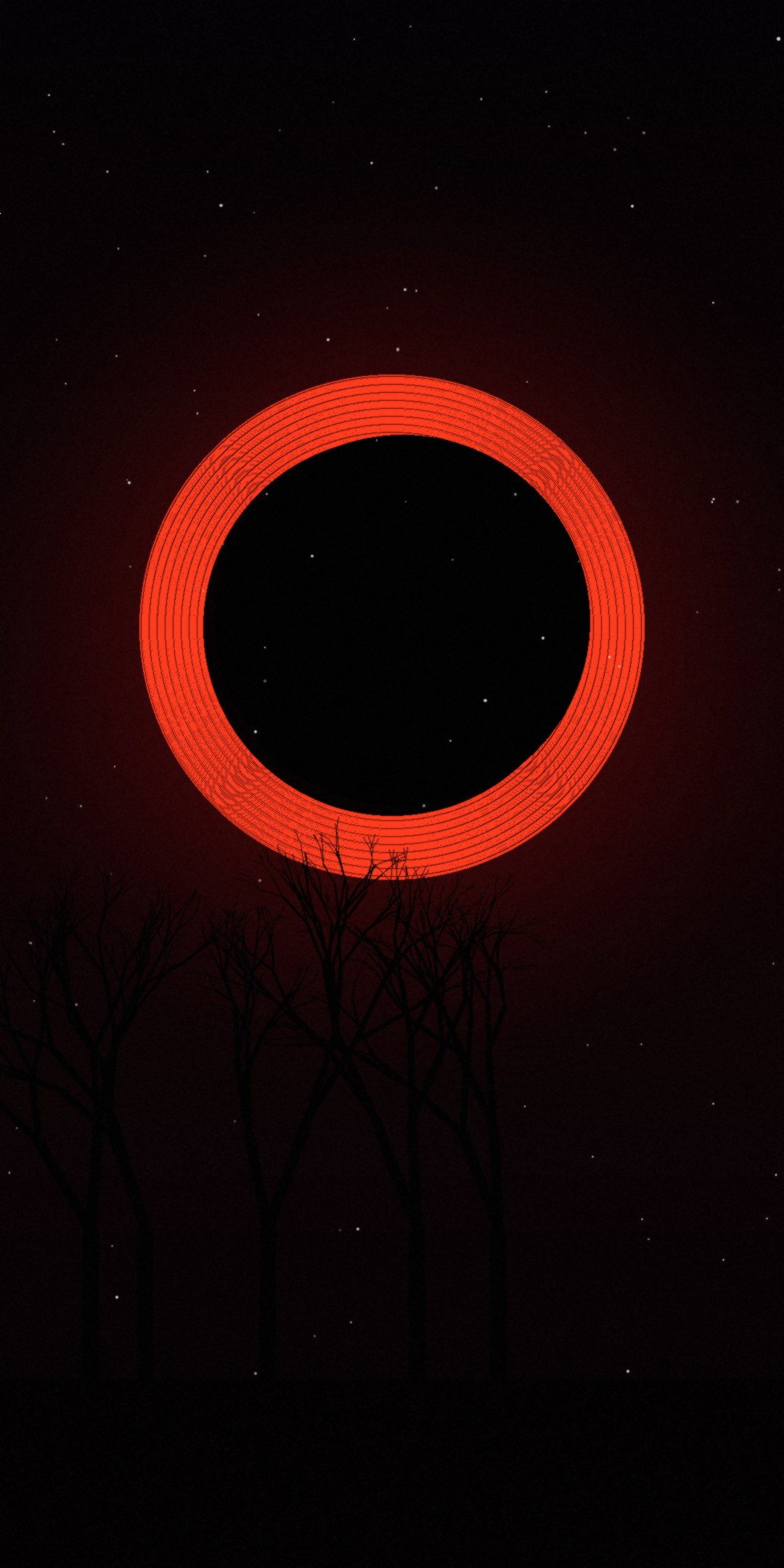
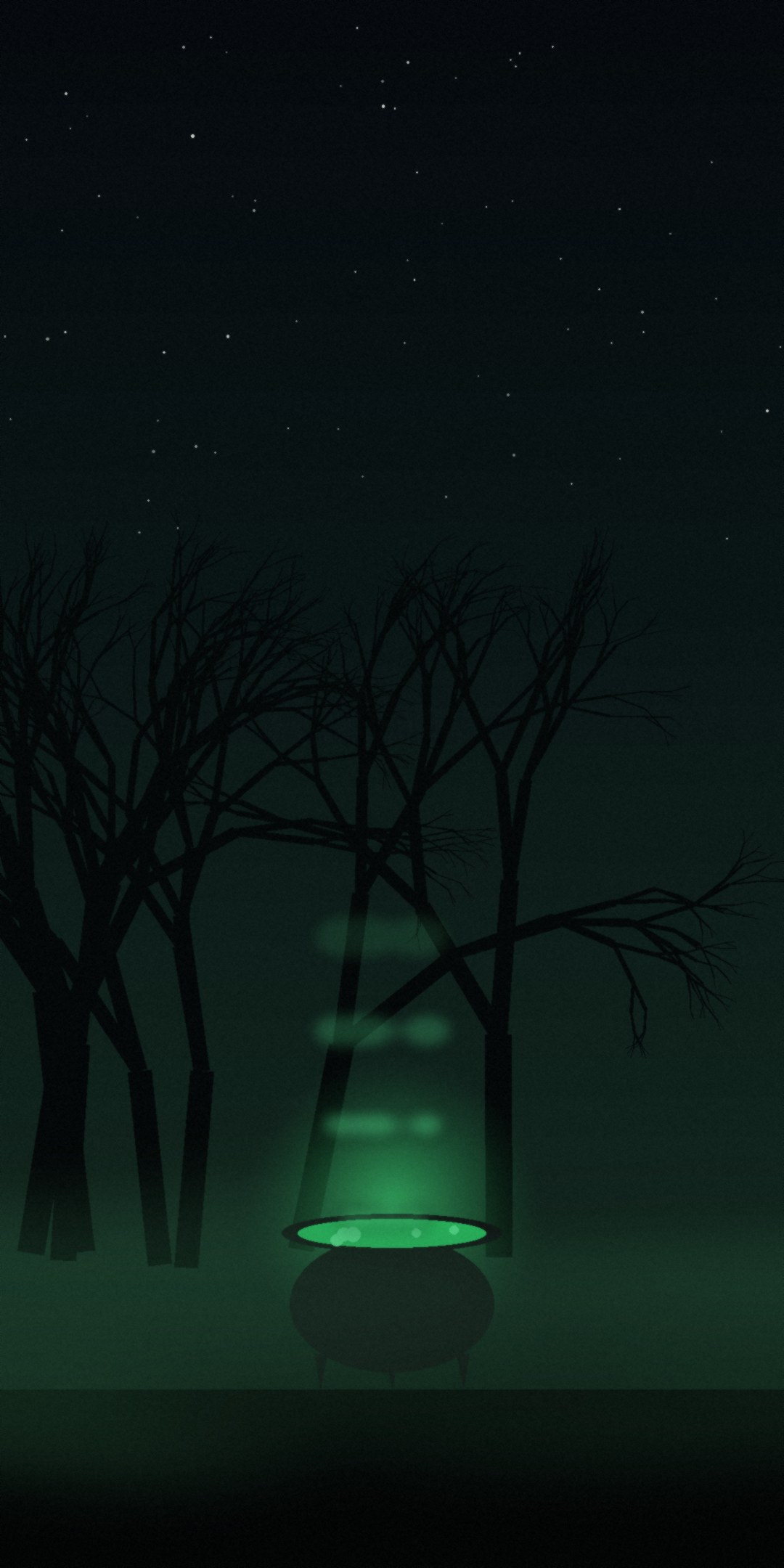
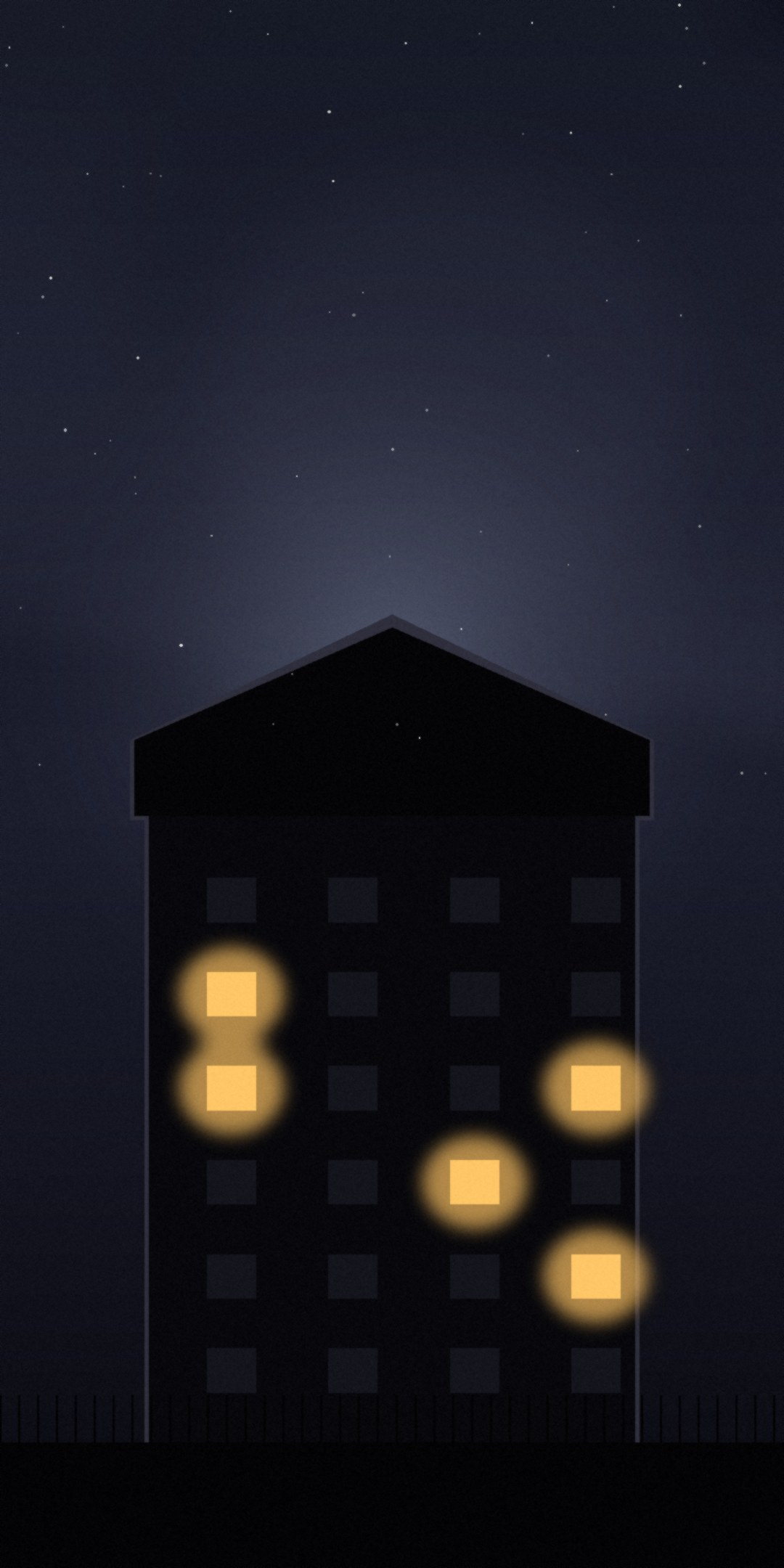
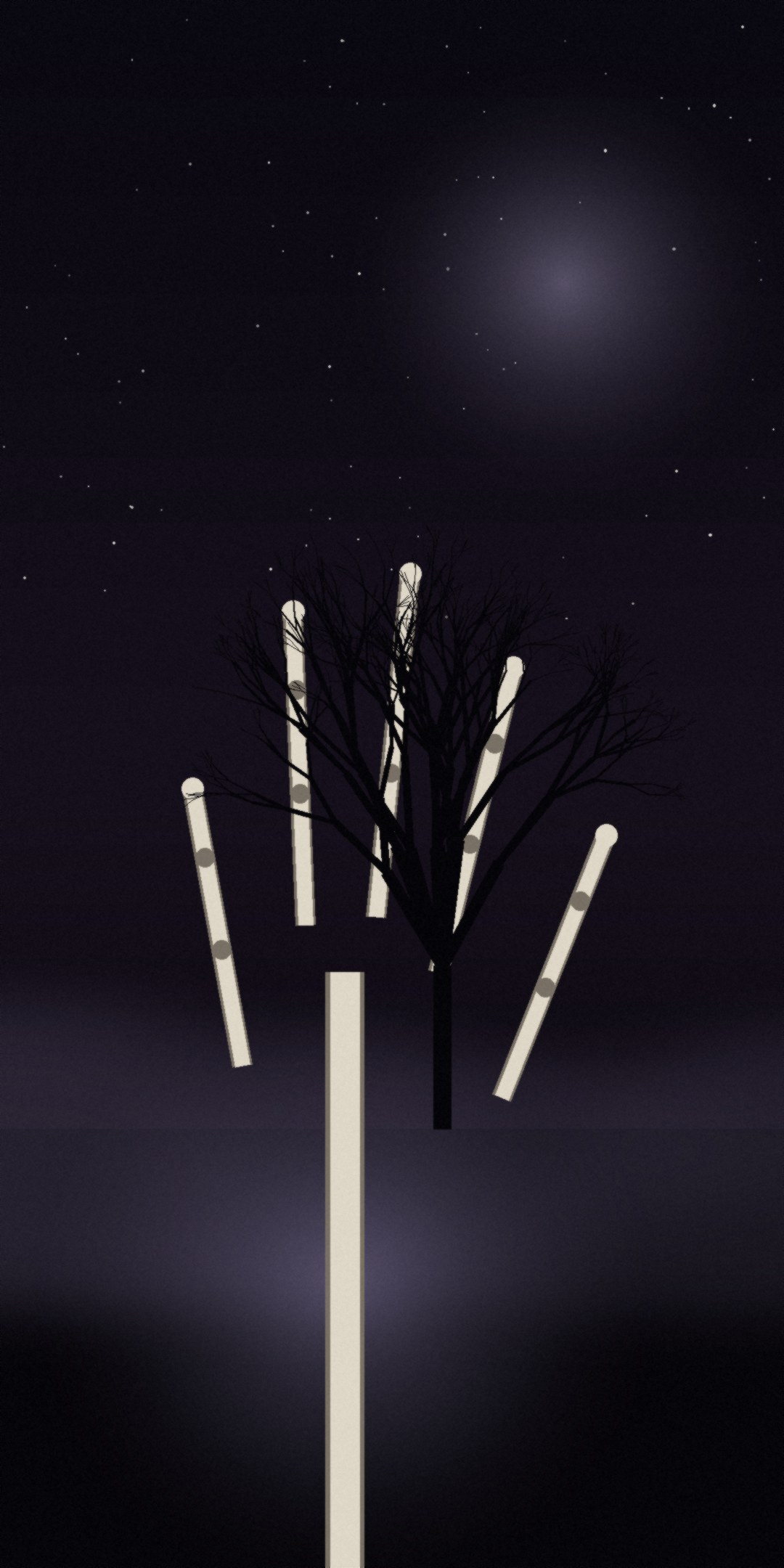
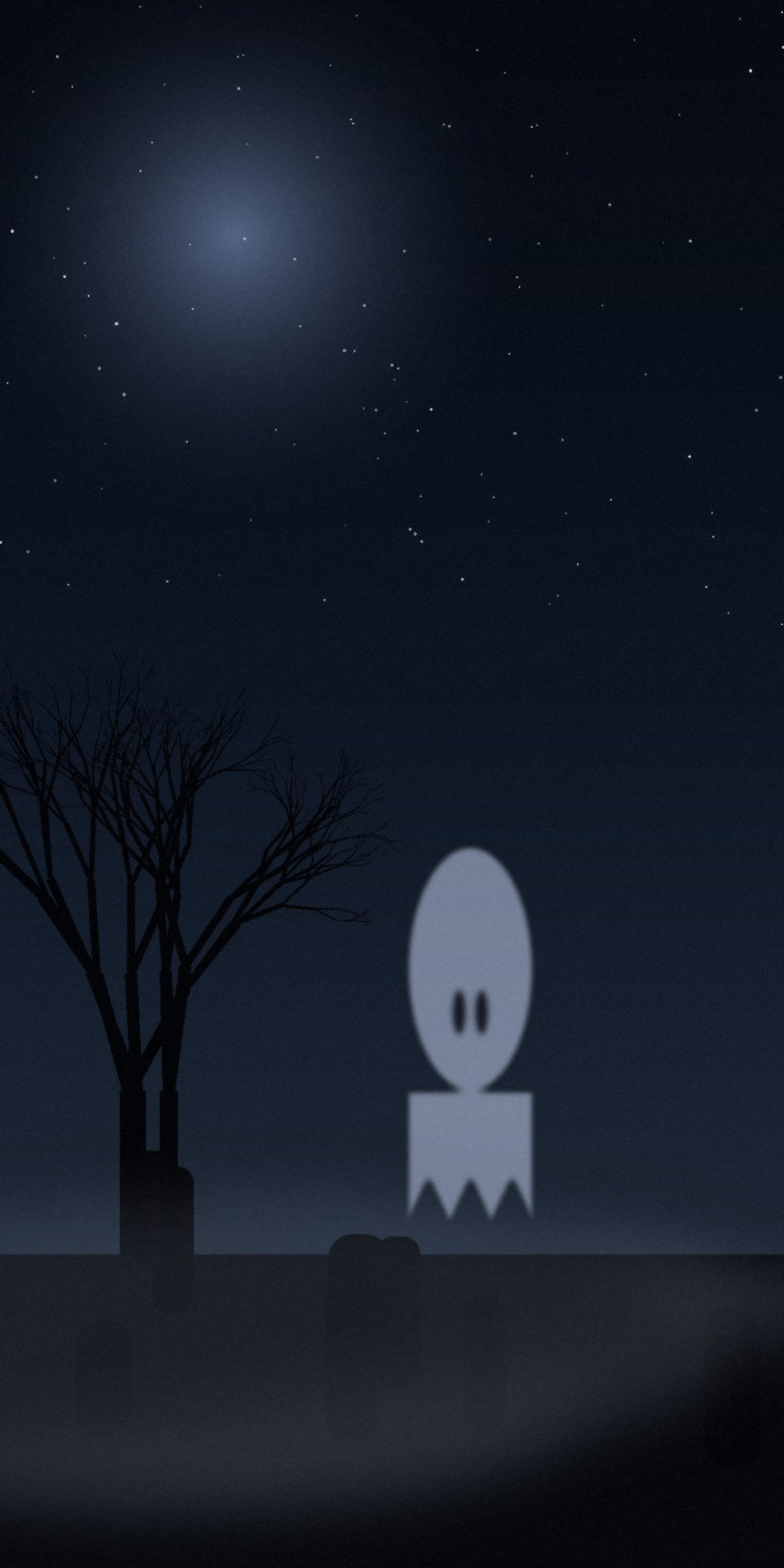
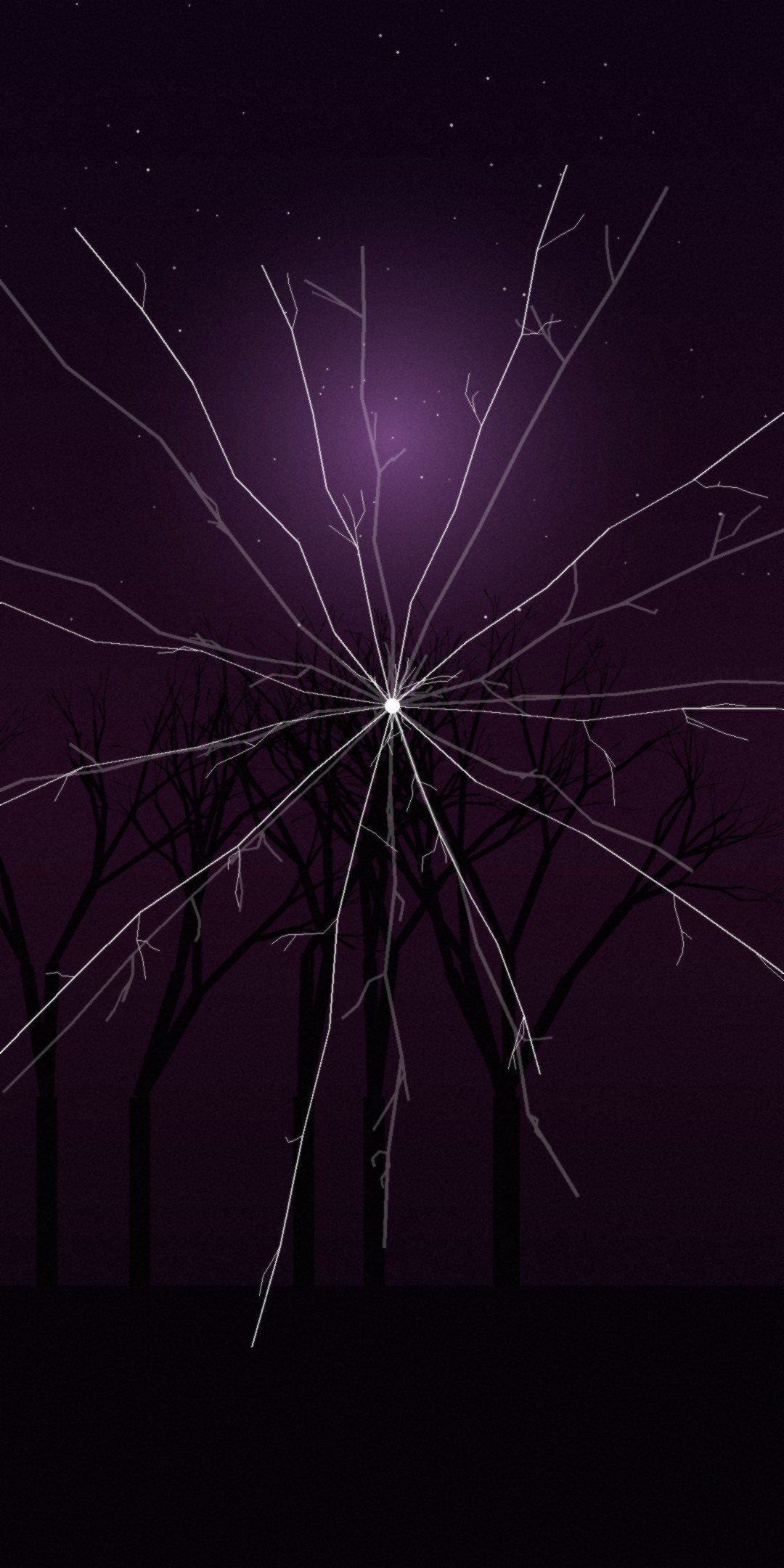
Twelve original horror backgrounds for your phone. Free, no account, nothing to install — tap any one to preview it full size, then download.
12 WALLPAPERS1080 × 2160FREE TO DOWNLOADNO SIGN-UP
The Collection
Every wallpaper is sized for a modern phone screen and works as a lock screen or home screen.
How to set one as your wallpaper
ANDROID
- Tap Download — the image saves to your Downloads or Photos.
- Open Photos or Gallery and pick the image.
- Tap the menu (⋮) and choose Use as → Wallpaper.
- Pick Home screen, Lock screen, or both, then confirm.
IPHONE
- Press and hold the image, then choose Add to Photos.
- Open Settings → Wallpaper.
- Tap Add New Wallpaper, then Photos.
- Choose the image, adjust it, and tap Set.
DESKTOP
- Click Download to save the file.
- Right-click the saved image.
- Choose Set as desktop background.
- These are tall phone images, so they suit a second monitor in portrait.
About these wallpapers
These were drawn for the Horror Wallpapers app by Parker Data Link LLC. They are free to use on your own devices. Please don't resell them or pass them off as your own work. More horror games, films and channels are over on the main hub.